
How to Make Burning Bridges AI Video: Three Ways Compared
Here is how to make Burning Bridges AI video with each of the three methods creators share: a prompt in a general AI video tool, a CapCut template, or Higgsfield's Genjutsu. For each one: which seconds to cut, what the instruction must cover, the takes that usually fail, and a shortcut that needs one photo.
The shortcut: no clip to trim, no prompt to write
No video, no charge.
How to make Burning Bridges AI video: pick the right seconds first
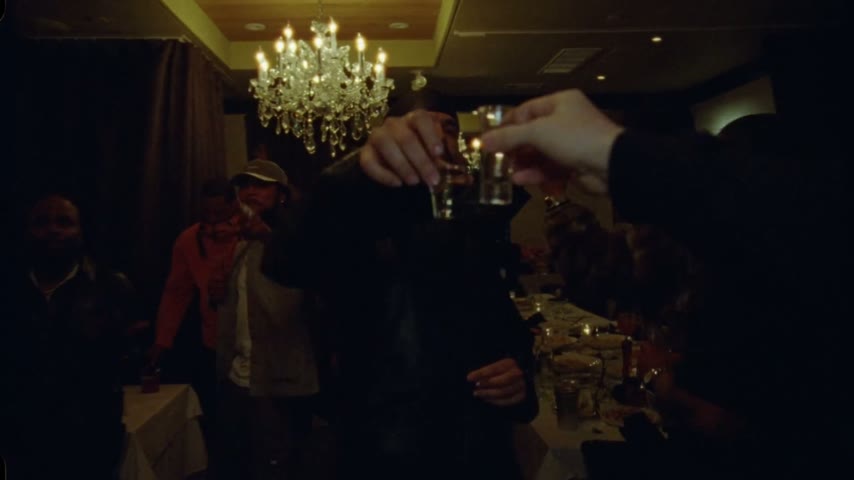
Whichever method you choose, how to make Burning Bridges AI video comes down to one scene: the chandelier party in the "Burning Bridges" video by Drake, with a new lead and nothing else touched. Viewers recognise its room, guests and handheld camera, so keep all three. The Burning Bridges trend page tells how it became a format.
- Skip the restaurant walkFirst, a woman in black crosses a restaurant and heads into its kitchen. The camera reaches the dining room at about 1:24; start your cut there or later.
- The 15 seconds most remakes useCut 2:42 to 2:57, where the camera stays close on the lead until the wave. For the whole party, take roughly 2:38 to 3:05.
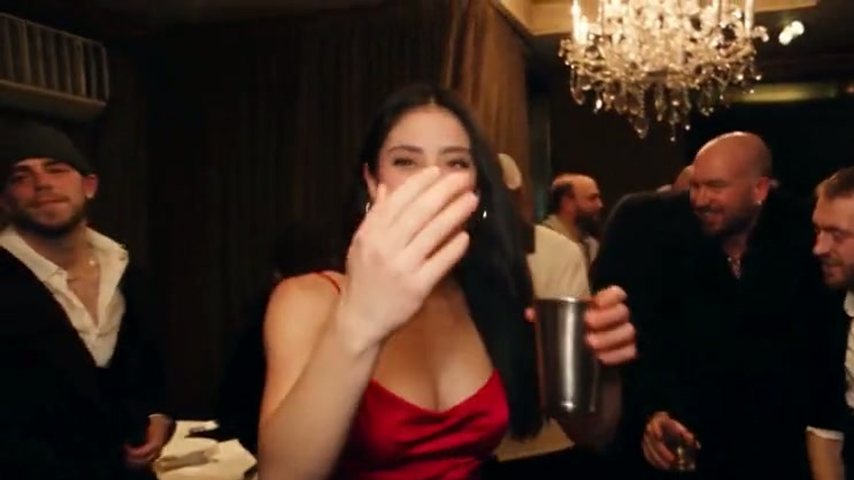
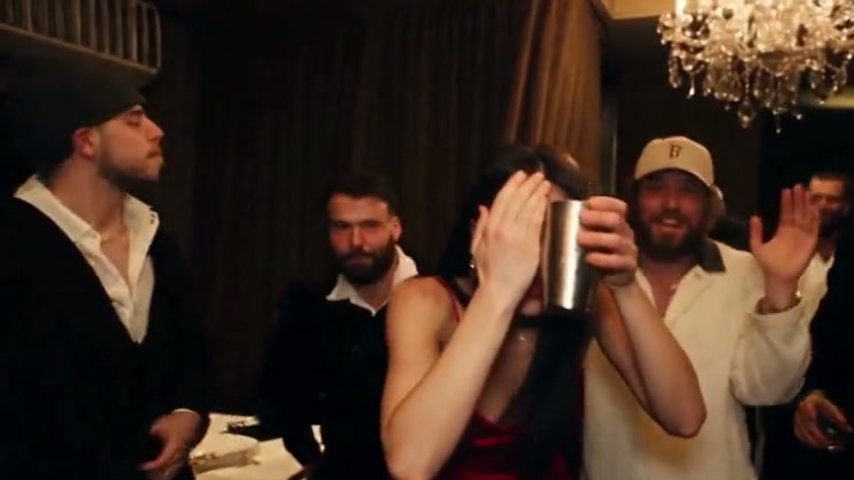
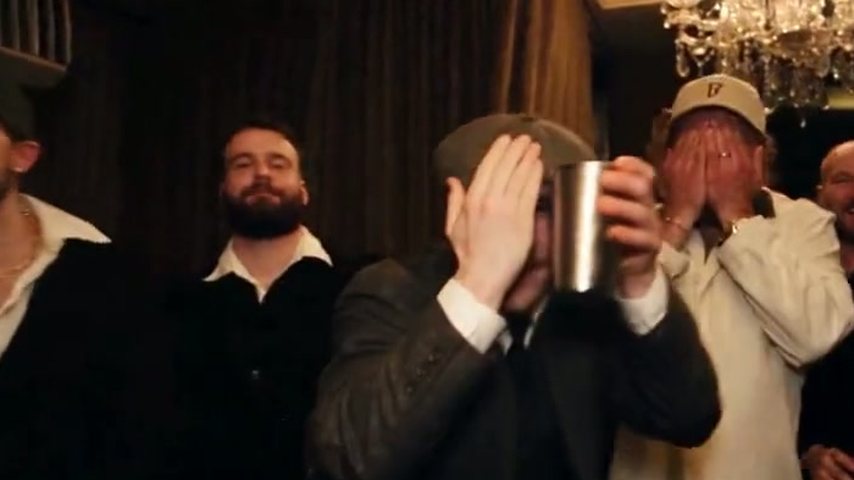
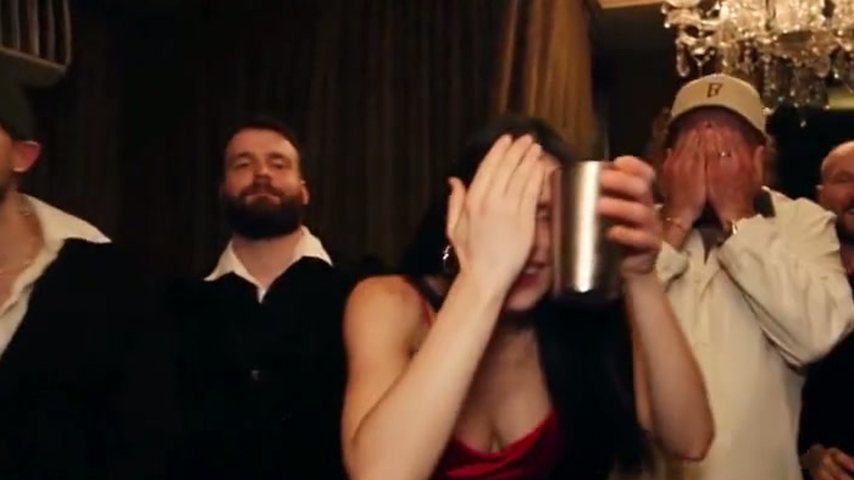
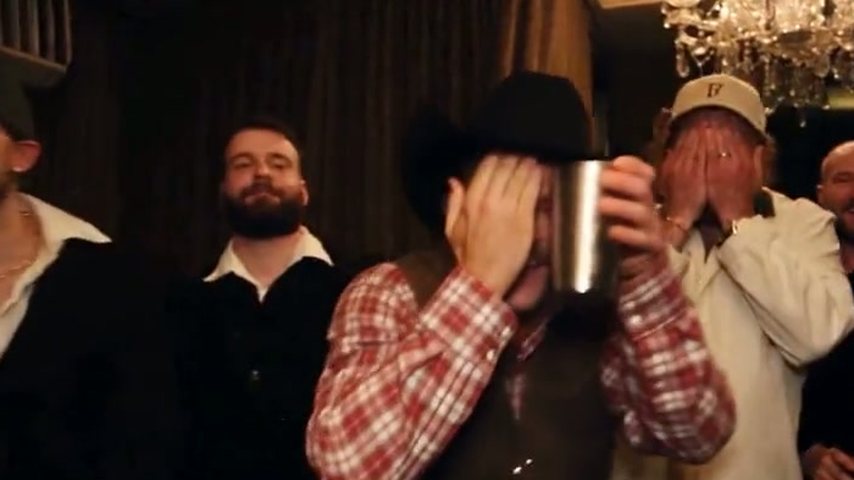
- Drake where she at AI: the gesture to keepSearches for Drake where she at AI mean the flat hand raised to the forehead as the lead scans the room. A quick one flashes past near 2:08; remakes copy the later one (2:54 to 2:57), with the cup next to the face and the crew waving.
The Burning Bridges AI prompt: three things it must say
A prompt-based model keeps only what your words protect. The sample below is the kind of wording tutorials pass around: a starting point, not proven in any particular tool, and not what this site runs.
Identify the lead by what is visible
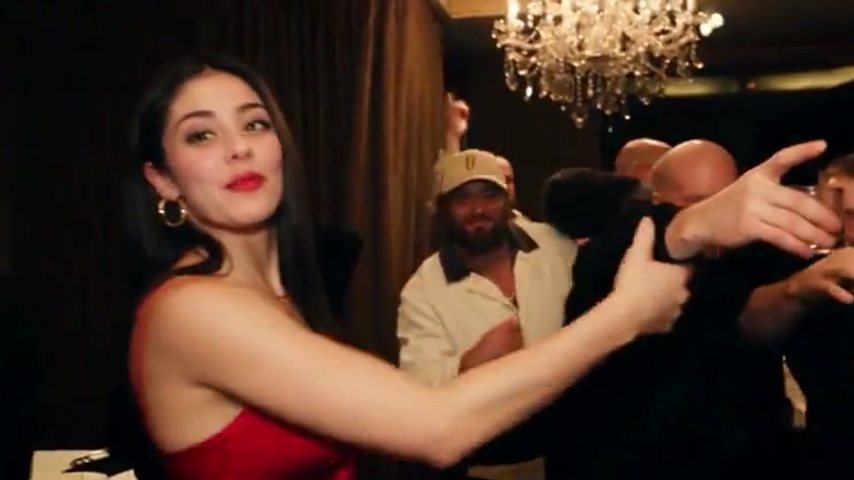
Describe him through what the model can see: black durag, black leather jacket, nearest the camera. A loose "swap the man" can put your face on a guest.
One example wording
"Swap the man nearest the lens, in a durag and leather jacket, for the person in the reference photo. Keep the chandelier room, the other guests, the camera path and the timing of every gesture exactly as they are."
Name each move in order
List the beats so none get dropped: she reaches for the crew, a hand rises, it shades the eyes, then the cup goes up with a wave.
How to make Burning Bridges AI video by hand, route by route
All three routes start with a trimmed clip and a good photo and end with the sound added; only the middle step changes.
What usually breaks, and what to change on the next take
Rebuilding the scene from words, tutorials warn, can take three to five attempts. The usual reasons, and the next fix to try:
The face slides back
It holds, then drifts during the turn. A sharper, front-facing photo helps.
The room changes
The chandeliers disappear or the room turns into a club. List the room as fixed and try a shorter clip.
Guests change or multiply
The crew gets new faces, extra people, or your face. Describe the lead more precisely and say everyone else stays.
Gestures melt together
The hand never reaches the eyes or the wave becomes another move, killing the punchline. Name each beat in order.
Hands look invented
A face-only close-up leaves the hands to guesswork, the cup hand first. Show both hands.
Or skip the retries
The Drake AI video generator works on a recreated party scene that keeps the room, the camera path and the choreography, making whoever is in your photo the lead while guests and song stay put. Failed or filtered renders return the credits.
More guides
Keep reading.
Three manual routes against one photo
What each route leaves to you.
| One photoAI Drake Video | Prompt toolsKling, Dreamina, Higgsfield | CapCut templatesmade by independent creators | |
|---|---|---|---|
| Who changes | The whole lead, every frame | Whatever your wording produces | Often a face over the original |
| Room and guests | Recreated, kept as they are | Can drift between takes | Varies by template |
| Song in the file | Added later in an editor | Varies by template | |
| Clip to trim | |||
| Write a prompt yourself |
Questions before you make your own remake
How to make Burning Bridges AI video on a phone?
Every route works from a phone. Manually you trim, run your video tool, then add sound in CapCut or TikTok. On this site it all happens in your phone's browser, nothing to install; our how to make Drake AI video tutorial covers each step from photo to post.
How to make Burning Bridges AI video with fewer retries?
Leave the model less to guess: a short clip, a sharp half-body photo, and an instruction that names the lead and lists what stays. Here the scene, instruction and song are already set, so your photo is the only input.
How to do Burning Bridges AI with just one photo?
Pick a tool that already holds the scene and the instruction. On this site that means adding a single-person photo, setting a length (5, 15 or 28 seconds) with Standard (480p) or HD (720p), and downloading a widescreen MP4. The 5-second clip comes only in Standard and takes about 3 minutes; longer ones about 5 to 10.
What is the best Burning Bridges AI prompt?
No wording is proven everywhere; each model reads instructions its own way. What helps in any tool: identify the lead by visible clothing, ask for the person in your photo in his place, and list what must stay (room, guests, camera path, gestures). Change one line per retry.
Will it work with a famous face, or my dog?
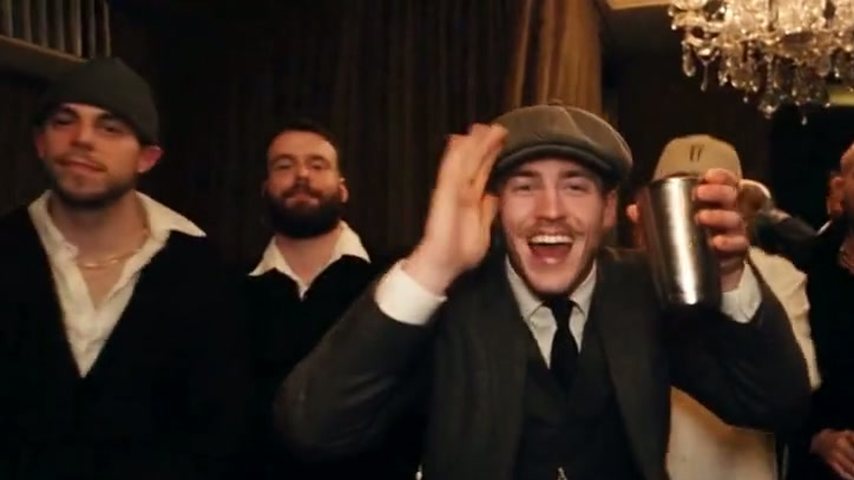
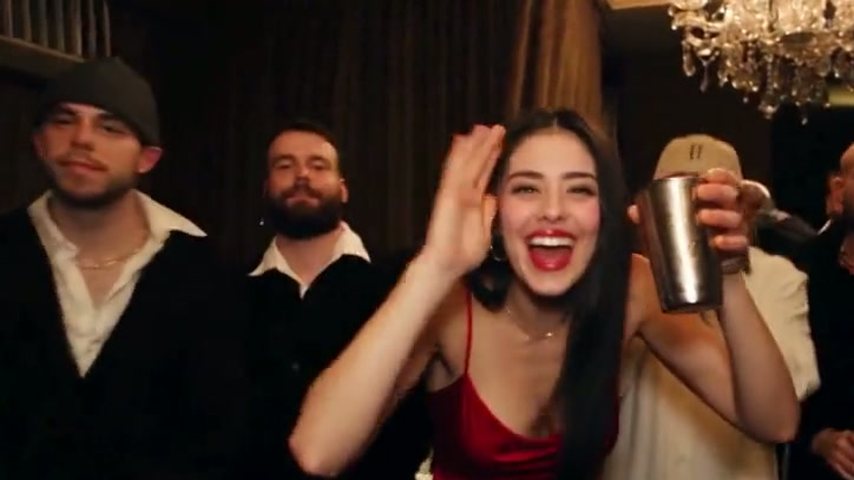
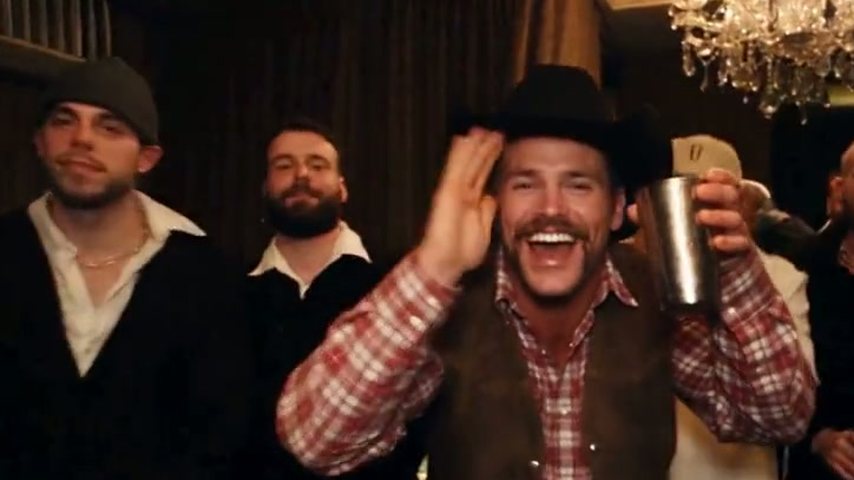
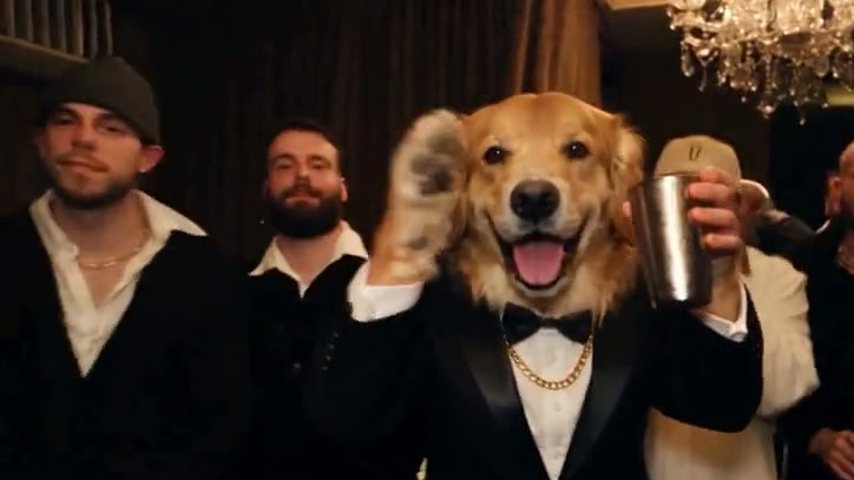
Famous faces and public figures are blocked. Animals can work: the tux pup, one of the four samples, is a golden retriever. People are the safest choice, and the photo should be yours or a consenting friend's. Filtered renders are never charged; see AI Drake Video pricing for plans and packs.
Is this made by Drake or his label?
No. AI Drake Video is an unofficial fan project and has no affiliation with Drake or his label. Lots of tools fed the trend; this one simply skips the trimming and prompt writing. No free trial is offered, though the four sample videos can be watched before you buy.
Tired of retakes? Start from one photo
Upload a photo, wait briefly, and the cup is yours.