
Your photo goes into this template
No video, no charge.
What comes inside the Burning Bridges AI template
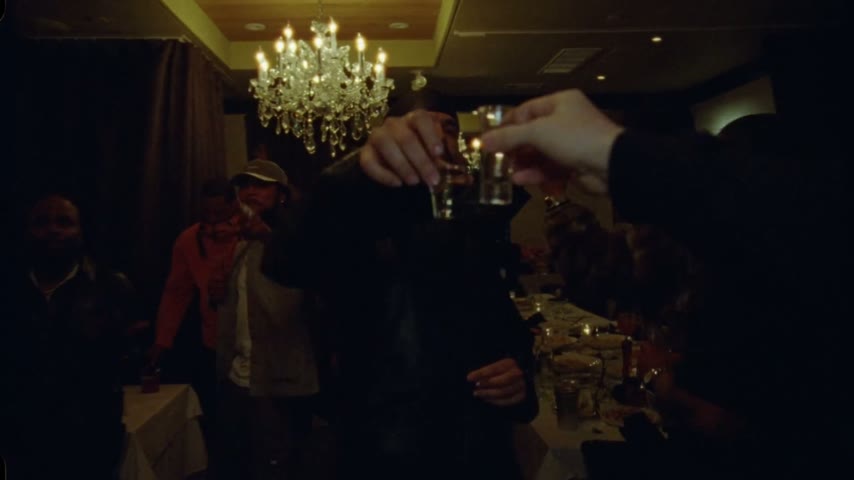
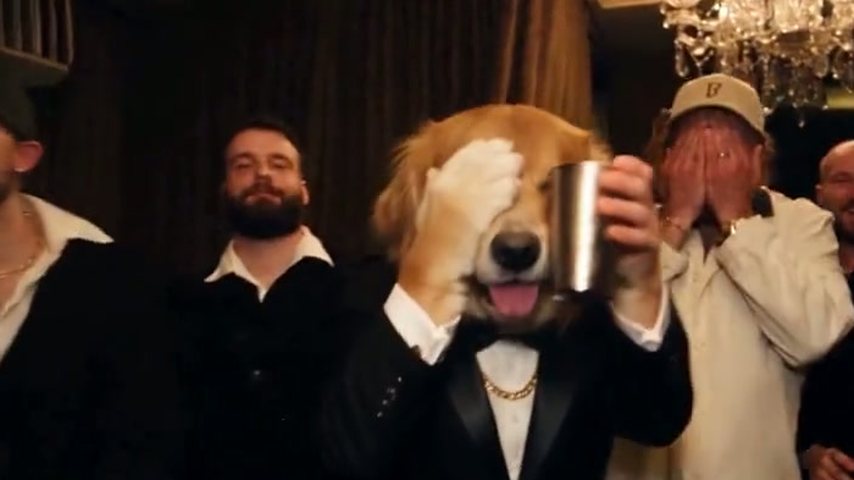
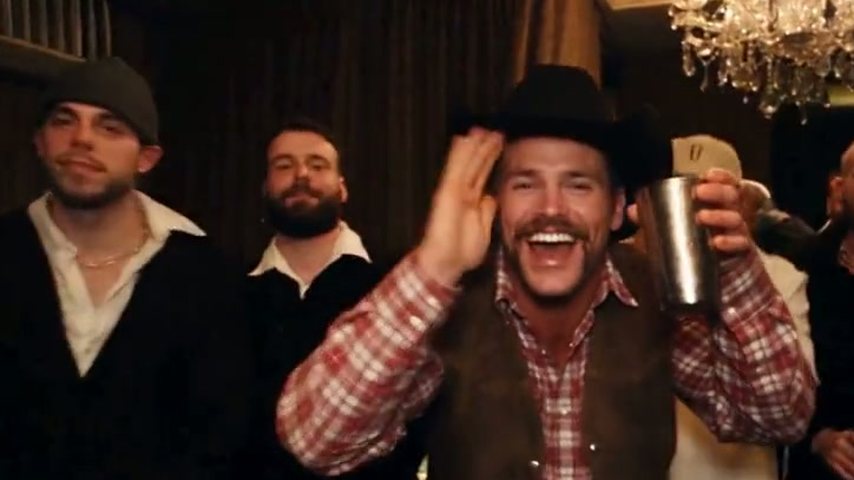
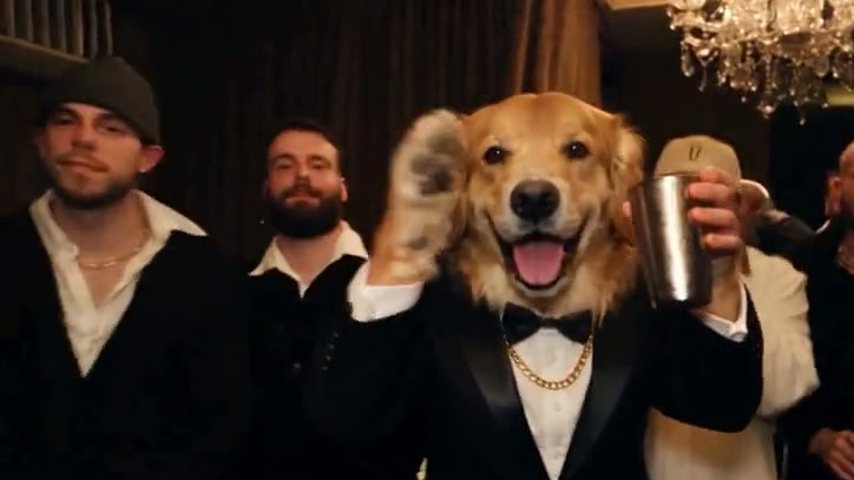
Every Burning Bridges AI template starts from a finished scene and leaves one part open, and on this Drake AI video generator the finished scene is the private dining room from the music video, rebuilt with its chandeliers, crew and choreography. Whoever is in your photo takes the lead, the part Drake plays wearing a durag and a leather jacket.
- A recreated room and crewStand-in party guests fill the chandelier-lit room behind you, placed the way the crew is in the original. They look identical on every render.
- Camera moves already setThe handheld walk into the room, the push in close on the lead and each reframe copy the music video shot for shot.
- Song and instruction writtenThe finished MP4 carries the original song from that stretch of the music video, and the instruction telling the AI who to replace was written in advance. There is no prompt box to fill in.
What a preloaded scene takes off your plate
By hand, the trend is three jobs: trim the party scene out of the music video, write an instruction for an AI video tool, then put the sound back in an editor, and tutorials admit it usually takes three to five goes. The how to make Burning Bridges AI video guide covers that route; on this page all three are already done.
You replace the whole lead
Your face, hairstyle, outfit, hands and wrists are taken from the photo, rather than a face laid over someone else's body. Everything around you stays put.
Choreography people recognise
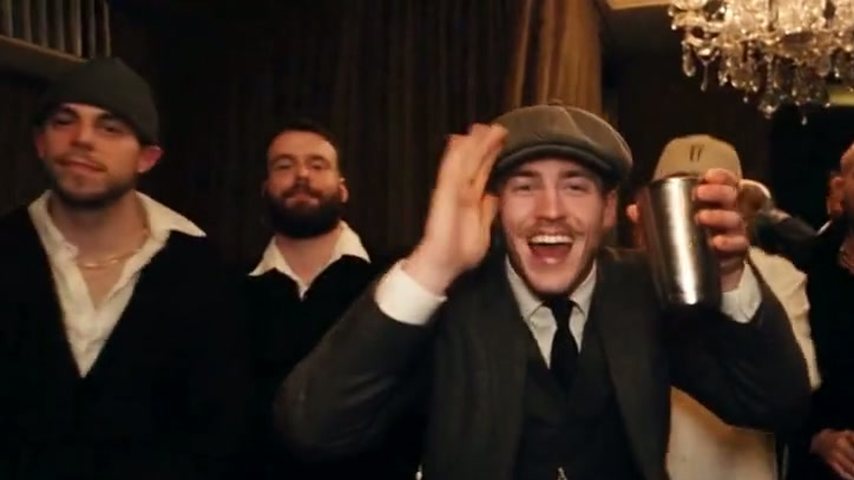
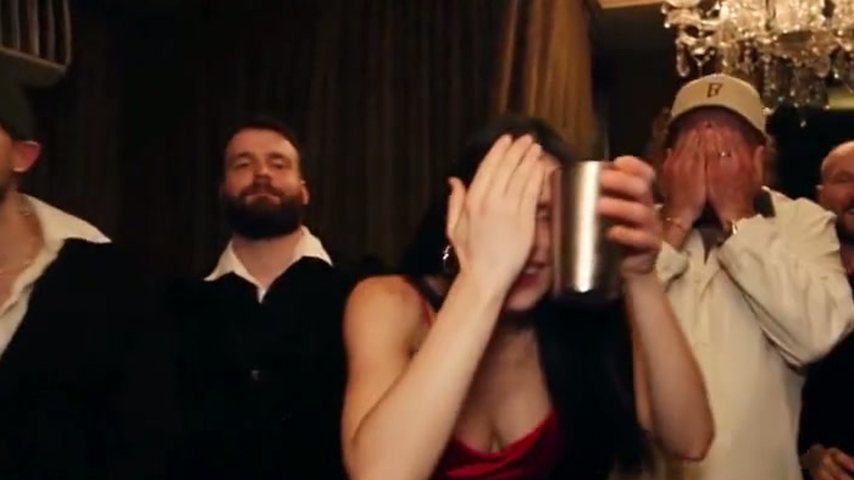
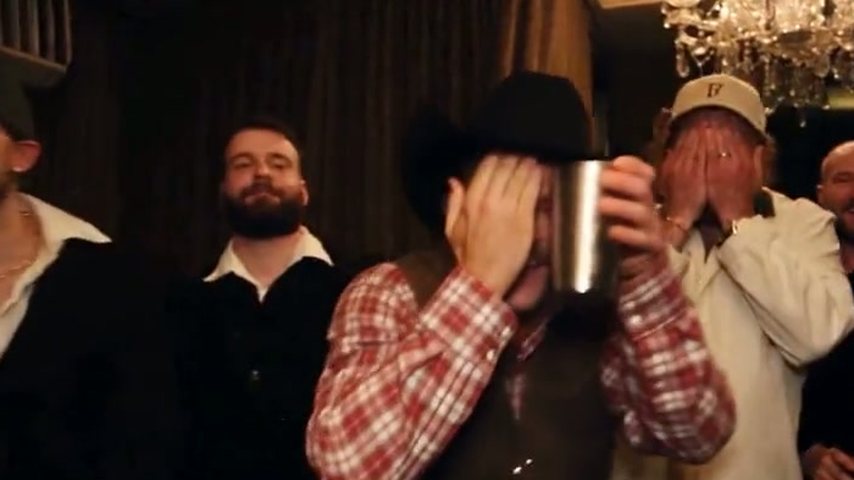
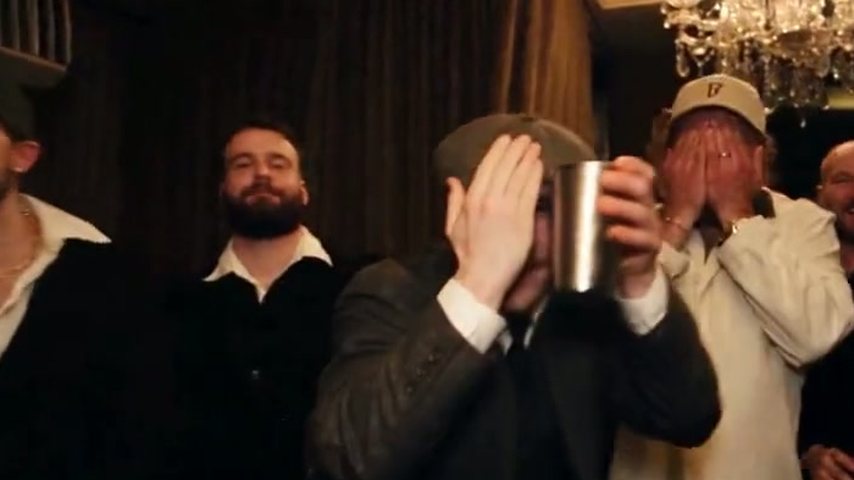
Calling the crew in, the flat hand over the eyes for the "where she at" look and the cup lifted in a wave keep their original order, so viewers spot the reference at once.
The music video's own frame
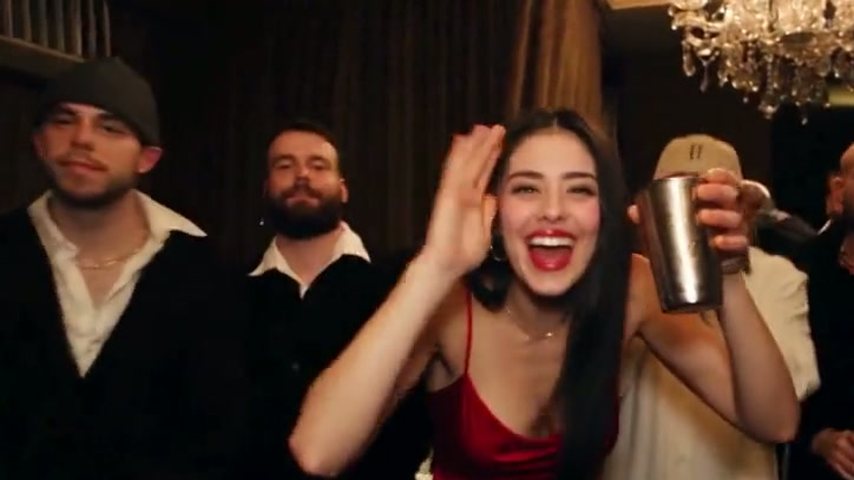
You receive a 16:9 MP4, the same widescreen frame as the official video instead of a vertical crop. It still uploads without trouble to YouTube, TikTok, Reels, Shorts and X.
Filling the Burning Bridges AI template in three steps
Everything runs in a web browser, mobile or desktop; nothing needs installing. For a preview, the Burning Bridges AI page breaks the scene down beat by beat.
Add your photo
Choose a sharp, bright picture with a single person and an easy-to-read face. A hips-up frame that keeps both hands in view matches best, since your hands and wrists get rebuilt as well. Cast yourself, or get a friend's okay before using their photo; celebrity photos are rejected.
Pick the cut and the sharpness
5 seconds covers only the "where she at" beat and is Standard-only; 15 seconds is the well-known close-up that closes on the wave; 28 seconds covers the whole party. Standard (480p) is meant for phones, while HD (720p) looks sharper on big screens.
Save and post
Renders take about 3 minutes at 5 seconds and 5 to 10 at the longer lengths. Save the file and publish it with its built-in audio, or swap in the official "Burning Bridges" track from TikTok or Instagram.
Burning Bridges CapCut template or a preloaded scene?
A Burning Bridges CapCut template is built by an independent template creator, so two of them can look nothing alike, and many lay your face over the original footage or assemble a set that only resembles the party. Pick by the clip you want.
You edit in CapCut every day
A CapCut template keeps you in an app you already know and leaves room to change captions, cuts and effects before posting.
Only the face has to land
For a quick face joke, a face-paste template is enough; the body and outfit in the clip simply stay as they were.
You want to be the whole lead
The Burning Bridges AI template on this page places you, head to toe as your photo shows, in the rebuilt room, keeping the original camera moves and choreography.
You want a different party
For another room, other guests or new music, neither template fits; use a general AI video tool steered by your own wording.
Other routes and checks
Compare the manual methods, or look at what is free to check first.
Burning Bridges AI template compared with CapCut
Both arrive ready-made; what differs is how you get into the frame. If you would rather supply the footage and prompt yourself, read the Drake Higgsfield guide, Genjutsu included.
| AI Drake Videoone photo in | CapCut templatemade by third-party creators | |
|---|---|---|
| How you show up | Your whole person, rebuilt from the photo | Often a face on top, or a lookalike set |
| The scene | Rebuilt room, camera path and song | Depends on the creator |
| Result each time | Identical scene each time | Changes with each creator |
| Where it runs | Phone or desktop browser | The CapCut app |
| Change the scene | Fixed by design |
Questions about the Burning Bridges AI template
Where do I get a Burning Bridges AI template?
Right here: the generator on this page is the template, with the recreated party room, camera work, song and instruction loaded before you arrive. You add one photo, settle on length and quality, and get a widescreen MP4 back in roughly 3 to 10 minutes.
Where do Burning Bridges CapCut templates come from?
Independent template creators publish them, and you open them inside CapCut. Quality differs a lot; many put your face on top of the original clip or rebuild a room that looks similar. For your whole person, hands and outfit included, inside a faithful copy of the room, use the generator above.
Can I use the Burning Bridges AI template for free?
No. Videos are always paid, with no trial and no credits handed out at signup. The four sample videos are free to play, and if a render errors out or is filtered, the credits it used are put back on your balance. See Burning Bridges AI free for every check you can make at no cost.
How many credits does each length use?
Each plan is measured in Standard videos; one equals a 15-second 480p clip, or 100 credits. At 28 seconds a video needs 3 Standard videos (300 credits), as does 15 seconds in HD; 28 seconds in HD needs 6 (600 credits), and the 5-second clip needs 35 credits. The AI Drake Video pricing page lists monthly plans, yearly plans and one-time packs.
Will TikTok or Instagram pick up the song?
They may, because the MP4 keeps the song heard during that stretch of the music video. Plenty of creators replace it before posting, choosing the official "Burning Bridges" audio in the TikTok or Instagram sound picker. We give no guarantee on copyright, so check the music rules of each platform first.
Did Drake or his team make this template?
No. AI Drake Video was made by fans on their own, and neither Drake nor his label is affiliated with it. What you fill in is a recreation of the party from the Iceman track's official video, released on YouTube on 15 May 2026, letting fans play the lead for a few seconds.
Finish the Burning Bridges AI template: just add your photo
Room, camera, soundtrack and instruction are ready for you. Add a photo; roughly 3 to 10 minutes later the widescreen clip is ready to download.