
Burning Bridges AI: You Lead the Chandelier Party
Burning Bridges AI puts the person from your photo at the front of Drake's party scene, recreated with the same crystal chandeliers, crew and handheld camera. You reach out to the guests, shade your eyes for "where she at" and lift the silver cup, all to the original song.
Burning Bridges AI video generator
No video, no charge.
Drake Burning Bridges AI: the scene behind the trend
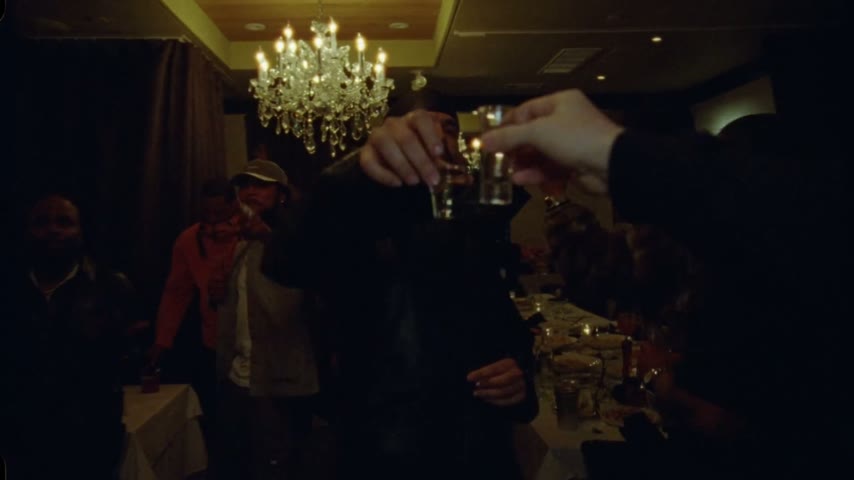
Burning Bridges AI clips all start from one stretch of Drake's music video: the private dining room where he celebrates with his crew under crystal chandeliers. Wearing a leather jacket and a black durag, he lifts a silver cup toward the lens, waves, and grins straight at the viewer. Our Drake AI video generator works on a recreated copy of that room and those moves, and swaps only who stands at the front.
- Song, album and releaseThe song belongs to Iceman, Drake's 2026 album, and the official video was posted to YouTube on 15 May 2026. The Burning Bridges trend page follows how the AI remakes spread.
- Kitchen first, party secondFor roughly ninety seconds the camera follows a woman in black as she crosses a restaurant and its kitchen. Around 1:24 the camera reaches the chandelier room, the part people remake.
- One gesture, two appearancesFans call the flat hand at the forehead "where she at". It flashes by near 2:08, then comes back from roughly 2:54 to 2:57; remakes copy that later take.
The Burning Bridges AI moment in four beats
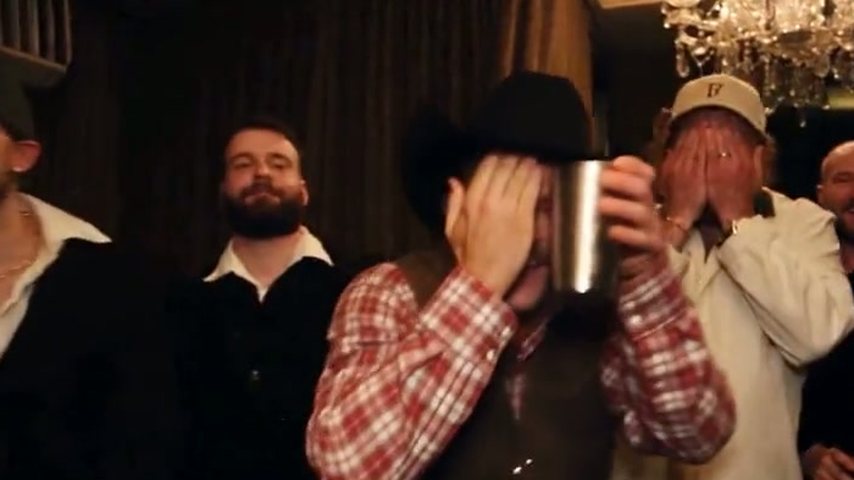
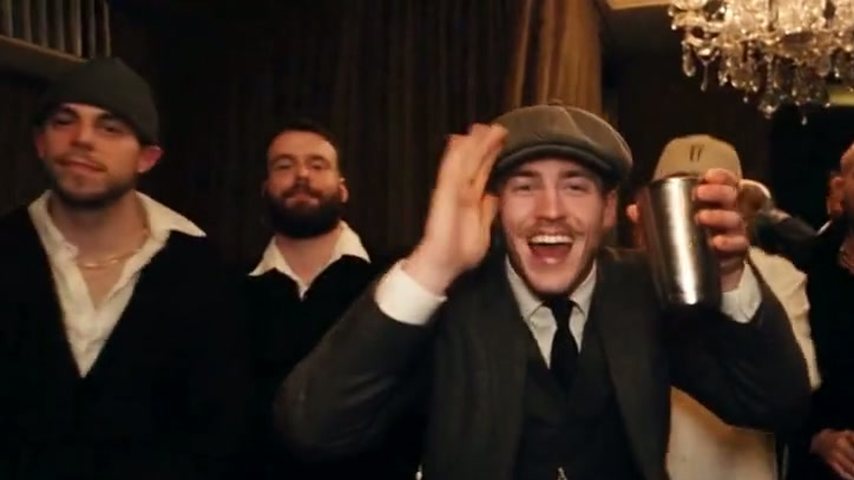
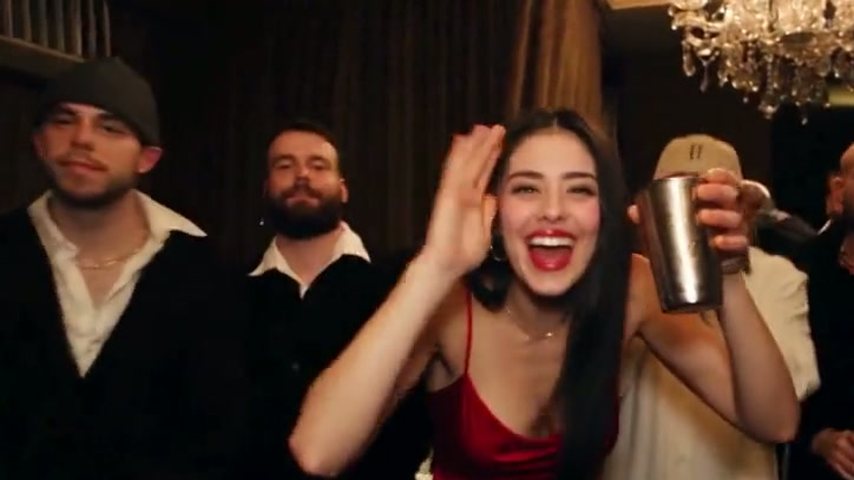
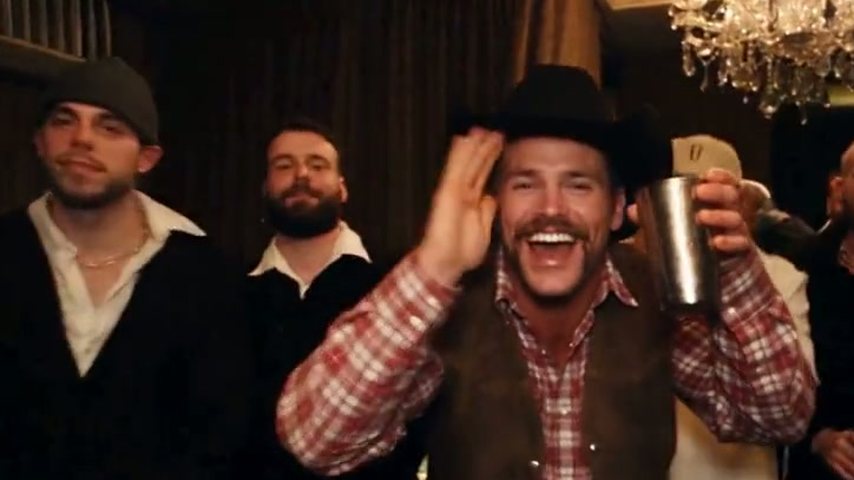
Inside the 5-second cut, shown with stills from our lady in red. Longer versions (15 and 28 seconds) keep going around this moment.
0 to 1.5 s: waving the friends over
Turning toward the friends nearby, the lead reaches out and pulls them into the shot.
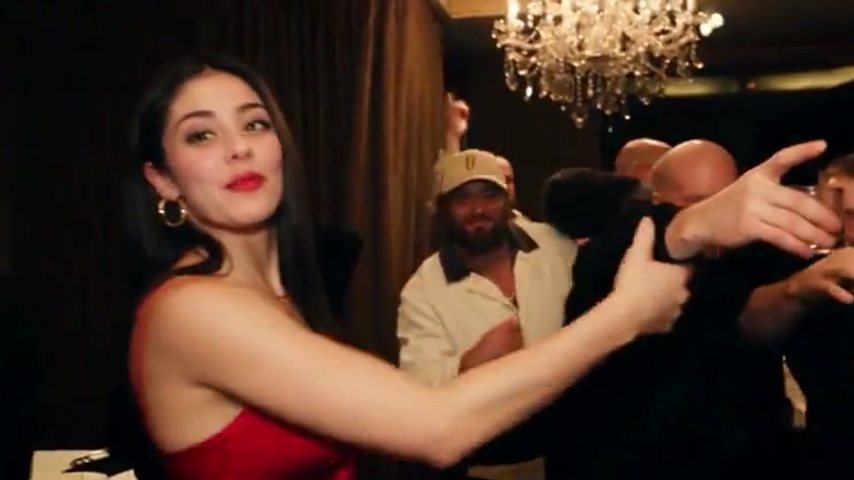
1.5 to 2.5 s: a hand rises
The silver cup stays in one hand while the other starts rising toward the face.
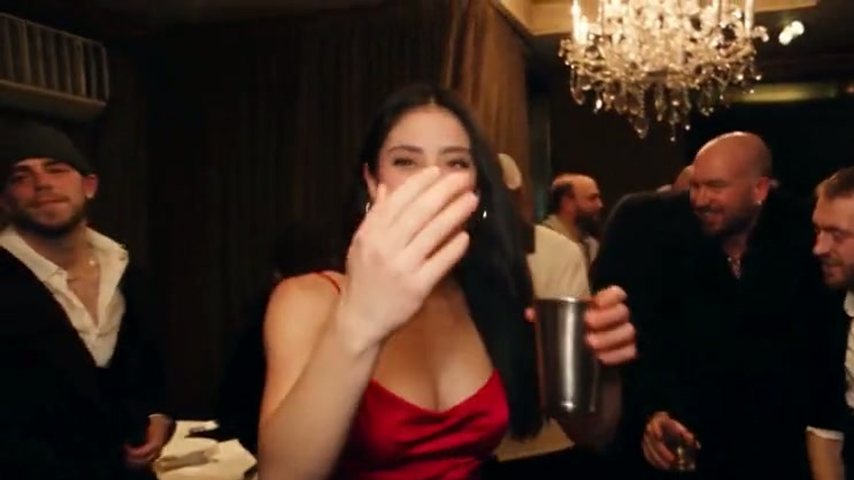
2.5 to 3.5 s: scanning the room
With a flat hand over the eyes, the lead scans the room while the crew laughs in the background.
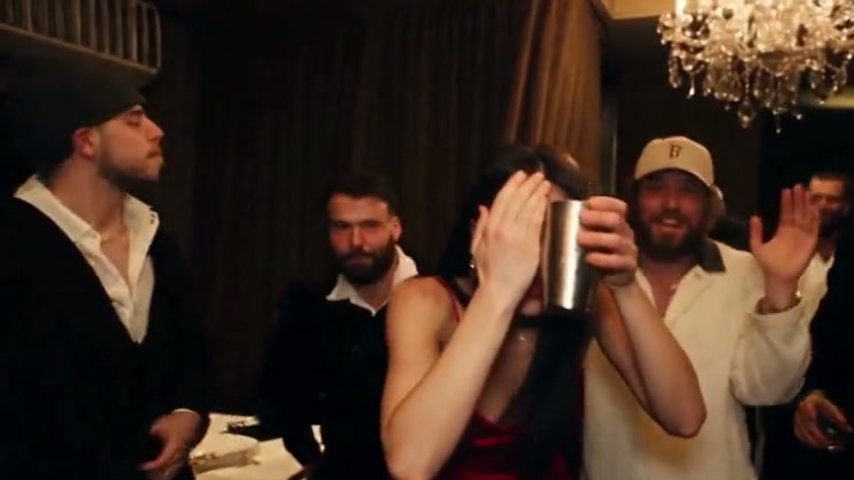
3.5 to 5 s: the cup goes up
A wide grin, the cup lifted and a wave at the lens while the crew joins in.
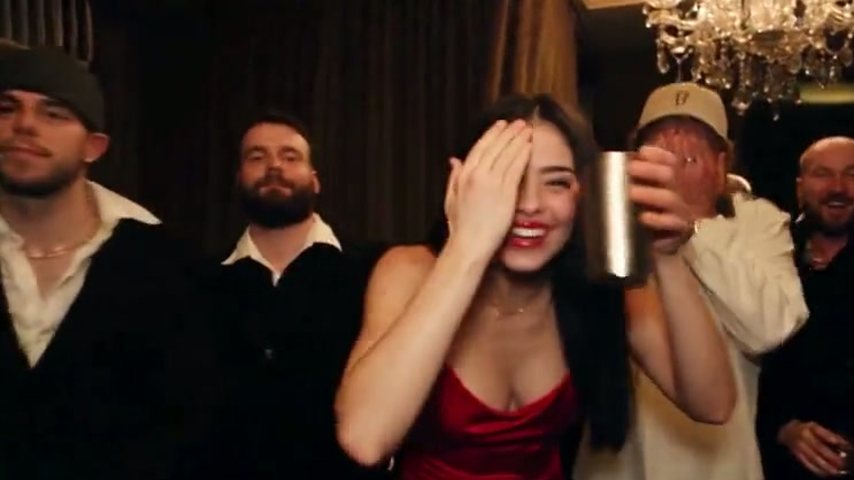
Which photo to use, then three steps
You don't trim footage or type a prompt here; the scene and wording are already set. To build one by hand instead, read our page on how to make a Burning Bridges AI video with prompts, CapCut or Higgsfield.
Choose a half-body photo
Frame one person from the hips up, both hands in view, since the AI rebuilds those hands and wrists too. Shoot yourself, or ask a friend first; celebrities and public figures are refused.
Choose duration and resolution
5, 15 or 28 seconds, then Standard (480p) for phone viewing or HD (720p) for a bigger display.
Wait, then download
The short clip is done in about 3 minutes, the other two in 5 to 10. Save the MP4 from the browser, phone or computer.
What the Burning Bridges AI video generator changes, and what it keeps
One element is swapped and the rest held fixed, so the clip reads as the original party with a new lead.
Changes: the lead
The person up front is the one in your photo for the whole clip, down to the hands and wrists.
Stays: the room and the guests
The chandelier-lit room and the stand-in guests behind you stay exactly as they are.
Stays: camera and choreography
The handheld camera path and every move up to the final wave follow the music video.
Stays: the song
Every clip carries the original song from its spot in the video. TikTok or Instagram might detect it; many posters also pick the official sound from the app's library.
Stays: the widescreen frame
A 16:9 MP4 that keeps the music video's own framing, never cropped, ready for YouTube, X, Shorts, Reels or TikTok.
Preset scene, no prompt
With the clip and its instruction locked in, it works the way a Burning Bridges AI template does: your photo is the only input.
More on the trend
Origin, memes and a phone walkthrough.
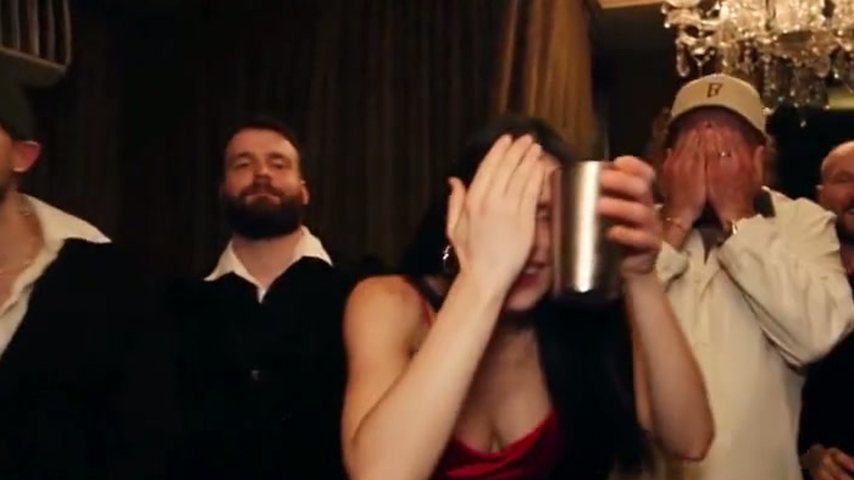
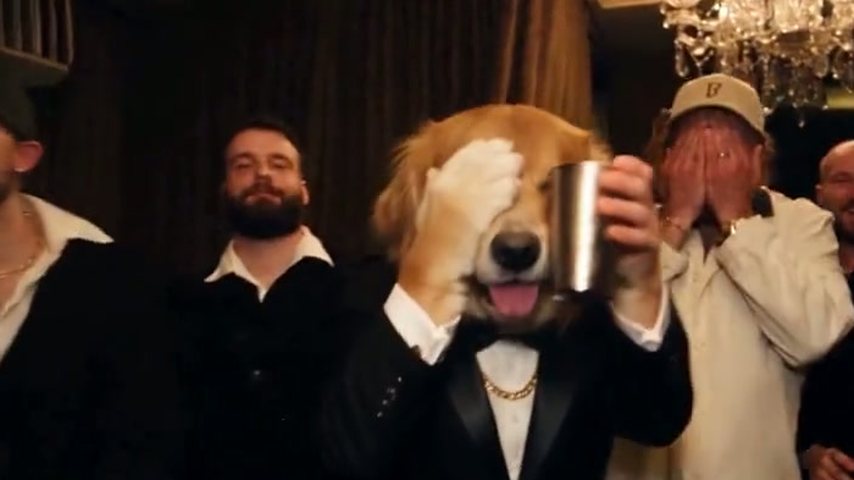
Three lengths: 5, 15 or 28 seconds
All three versions end on the cup-and-wave; what changes is how much of the party plays before it.
| 5 secondsJust the "where she at" beat | 15 secondsThe stretch everyone knows | 28 secondsThe whole party run | |
|---|---|---|---|
| Part of the music video | Reach-out through cup and wave | 2:42 to 2:57, camera close on the lead | About 2:38 to 3:05 |
| Quality | Standard (480p) only | Standard or HD (720p) | Standard or HD (720p) |
| Typical wait | Around 3 minutes | Around 5 to 10 minutes | Around 5 to 10 minutes |
| Plan usage in Standard | 35 credits | 1 Standard video (100 credits) | 3 Standard videos (300 credits) |
| Plan usage in HD | Not offered | 3 Standard videos (300 credits) | 6 Standard videos (600 credits) |
Burning Bridges AI questions
What is Burning Bridges AI?
The name covers AI remakes that hand the party scene in Drake's "Burning Bridges" video to a new lead. Here one photo is enough: the recreated chandelier room, crew, camera moves and song stay, and the person from your photo leads them. The remakes began in late September 2026.
Which part of the music video does Burning Bridges AI use?
The party in the private dining room near the end, from the lead reaching for the crew to the raised cup and wave, not the restaurant and kitchen footage that opens the video. The length you pick decides how much of that party you get; the table above lists the timestamps.
Which photo should I upload?
You alone, from the waist up, hands in view, face sharp and well lit. Common problems: group photos, where the AI has to guess whom to cast; sunglasses or a cap brim over the eyes; close crops that cut off the hands; and dark, backlit or blurred pictures.
Will it take my dog's photo, or a celebrity's?
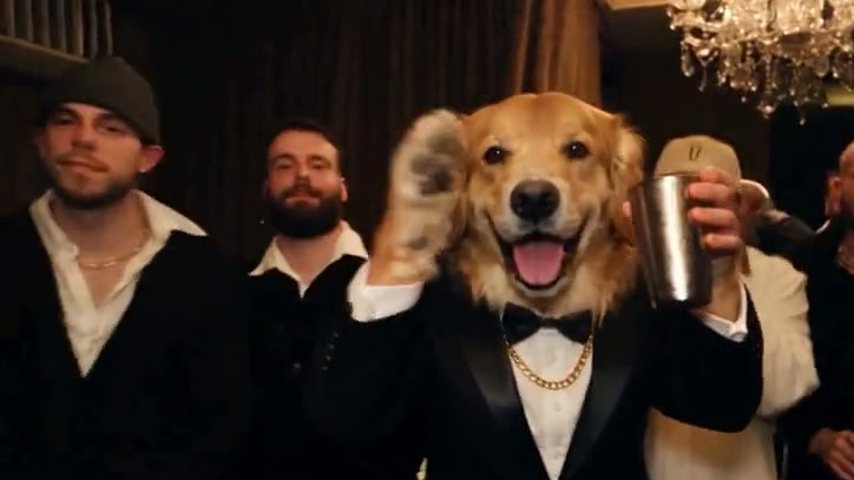
Famous people and public figures get blocked by the filter. An animal may come out well, as our tux pup sample (a golden retriever) shows, though a human photo is the surest bet. Failures and blocked renders cost you nothing; those credits land back in your balance.
Is a Burning Bridges AI video ever free?
No free trial exists and every clip costs credits; still, the four samples can be watched first, and a broken or filtered render costs no credits. For what you can check at no cost and the cheapest route to one clip, read Burning Bridges AI free.
How does a plan count videos?
Plans are measured in Standard videos; a single Standard video means 15 seconds at 480p, worth 100 credits, and the table above lists what every length uses. Subscriptions run monthly or yearly, and one-time credit packs exist too. All options are on the AI Drake Video pricing page.
Is AI Drake Video run by Drake?
No. AI Drake Video is built by fans and runs independently, with no ties to Drake or his label. What it edits is a recreation of the party scene, letting anyone join the trend with one photo; it had nothing to do with making the song or its video.
Your crew is waiting under the chandeliers
All it takes is a photo and a short wait. Watch the four samples below first.