
Burning Bridges AI Free? What to Know Before Paying
Burning Bridges AI free renders are not offered here; even the first video costs credits. Before spending, watch four finished results, follow the 5-second cut beat by beat and compare your picture with the photo tips. Any render that breaks returns its credits.
Upload once your photo passes
No video, no charge.
Is Burning Bridges AI free? A straight answer
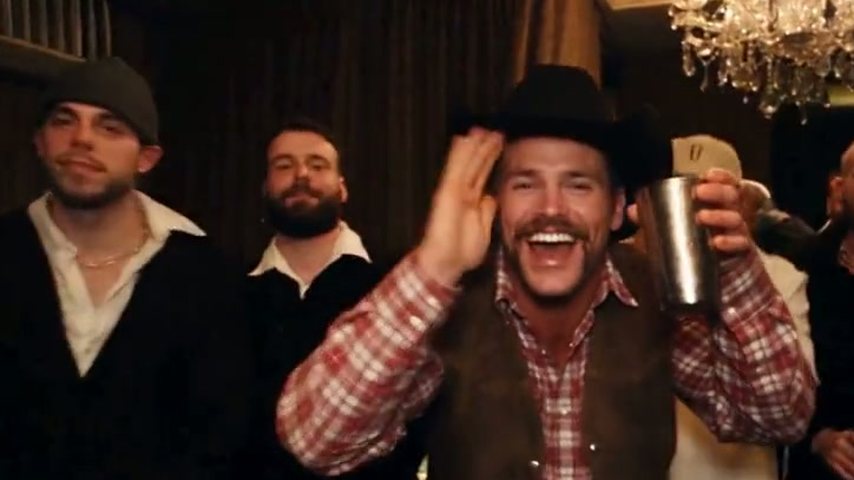
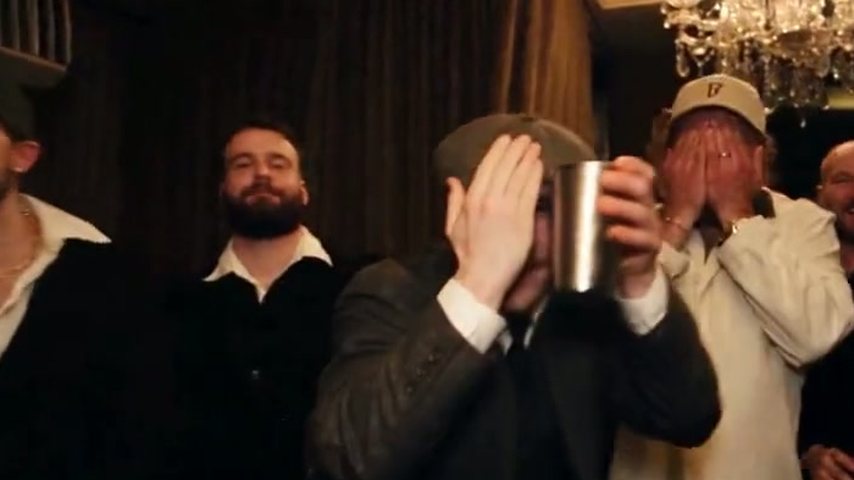
Burning Bridges AI free access would mean someone else covers the rendering, and nobody does: no trial, no free plan, nothing added at signup. You pay for one finished clip from our Drake AI video generator, which recreates the music video's party scene (chandelier room, stand-in guests, handheld camera) and recasts its lead as whoever appears in your photo.
- Nothing to claim at signupNew accounts get no coupon, starter credits or trial period.
- Every clip is a new renderYour face, hands and outfit are rebuilt inside the moving scene each time; that is what credits pay for.
- Failures cost nothingIf a render breaks or the filter stops it, the credits come back without you asking.
Burning Bridges AI free vs paid: what uses credits
Reading and watching are free; only rendering uses credits. If you would rather assemble it yourself in a general AI video app, see how to make Burning Bridges AI video for the manual methods.
Free: samples, beats, tips and guides
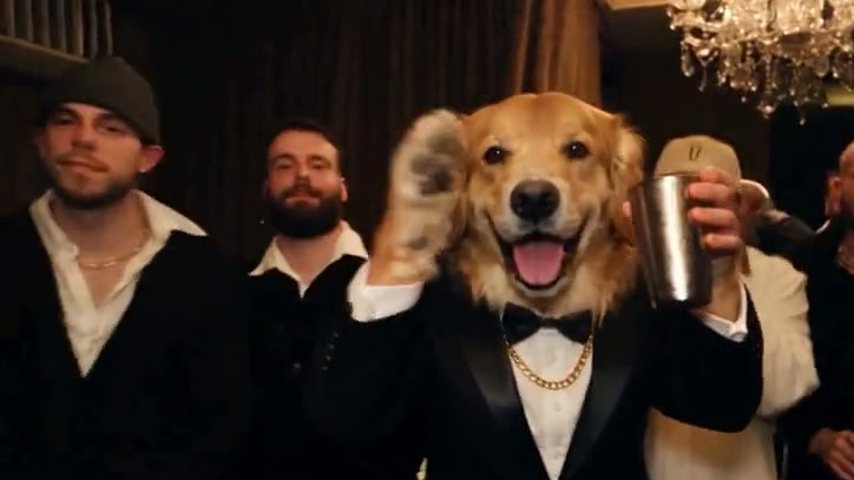
Everything readable or playable here, including the tux pup sample (a golden retriever) for anyone casting a pet.
Paid: the finished MP4
Pick a length and Standard 480p or HD 720p for a 16:9 MP4 carrying the original song. Scene and instruction are preset, much as in a Burning Bridges AI template; only your photo is missing.
Never charged: failed or filtered runs
An error, or an upload the filter turns down such as a celebrity photo, refunds itself.
Burning Bridges AI free checks worth doing first
These answer questions people usually ask only after paying. Once your photo passes, the how to make Drake AI video guide covers length, quality, download and posting.
Watch the four samples with sound
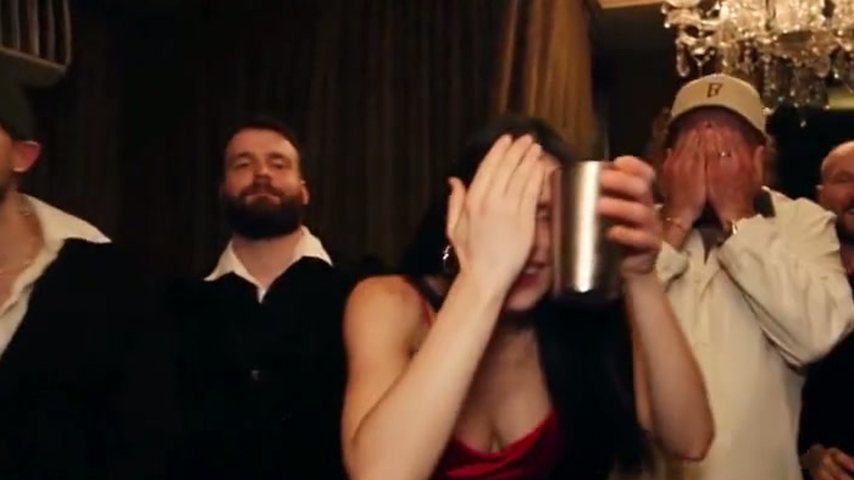
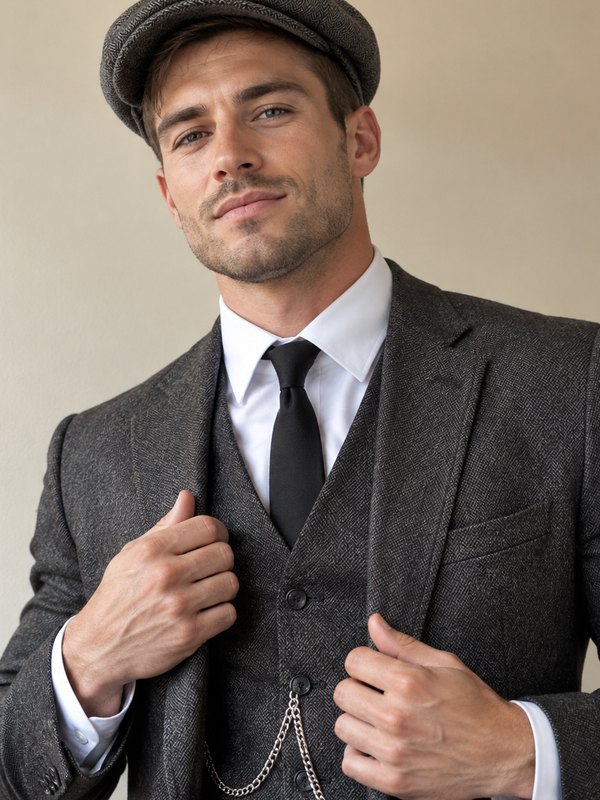
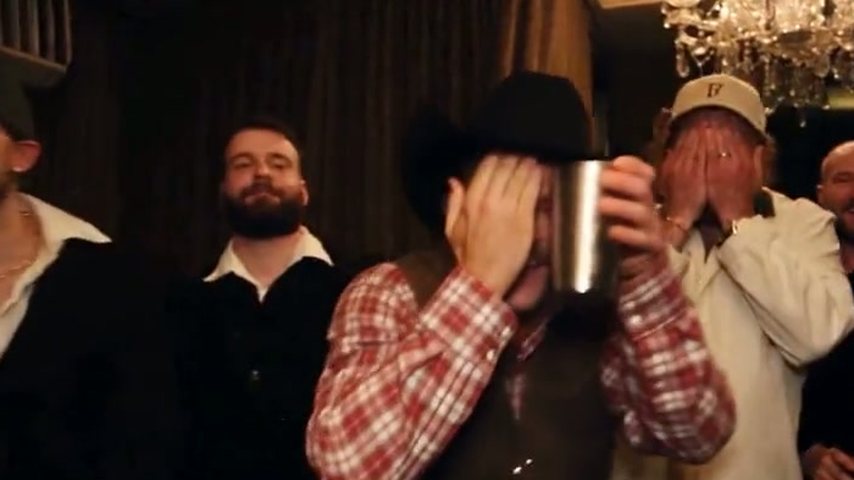
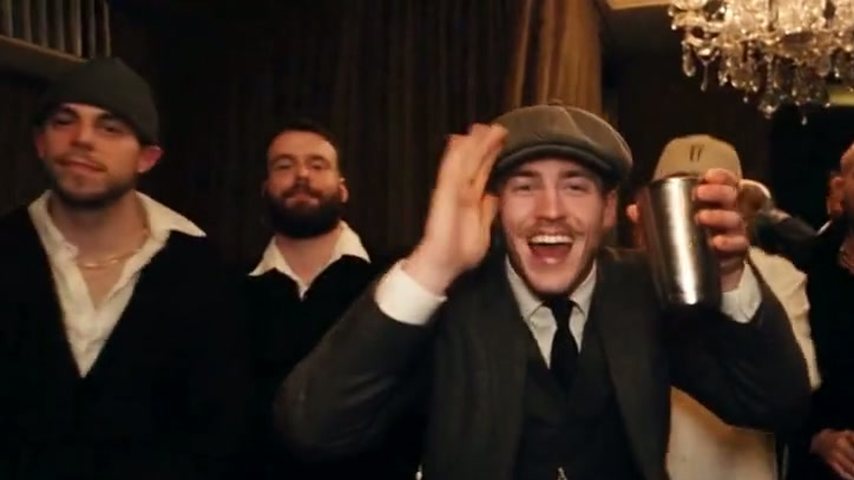
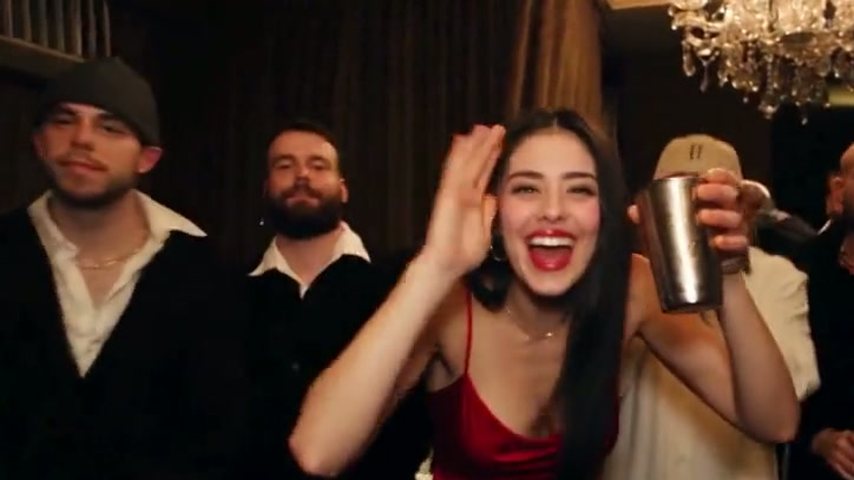
Four 5-second Standard clips, each starring an AI-generated character: the flat-cap dandy, the lady in red, the rodeo star and the tux pup. Only the lead differs from one to the next.
Go through the cut second by second
Up to 1.5 s the lead calls the crew in, by 2.5 s the free hand rises beside the silver cup, the "where she at" look runs to 3.5 s, then the cup goes up in a wave. Hands matter in every beat.
Hold your photo against the tips
Weak results usually start with the picture, so compare yours with the examples below.
Photo tips
Free photo check: which pictures hold up
Costs nothing, decides most of the result: three photo types that work, four that leave the AI guessing.
Works well

Waist up, hands showing
The reach, the cup and the wave all borrow your hands and wrists from this shot.

Soft, even lighting
A softly lit face stays recognisable when the camera pushes in.
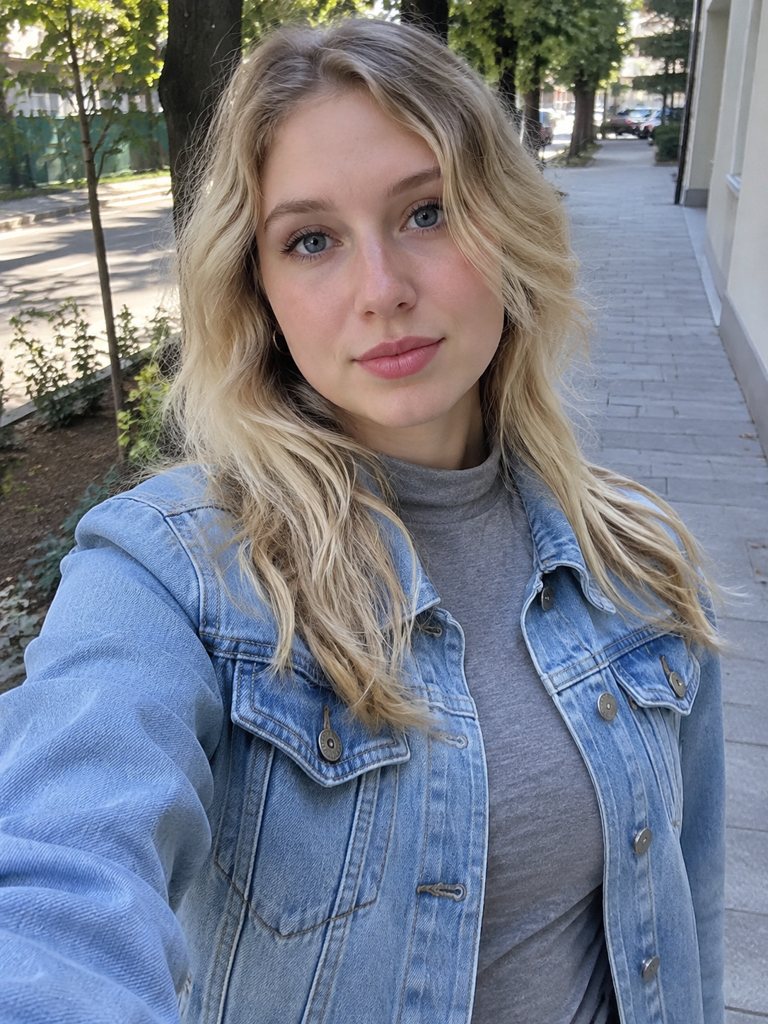
Just you, facing forward
One person looking into the lens makes the casting obvious.
Likely to disappoint
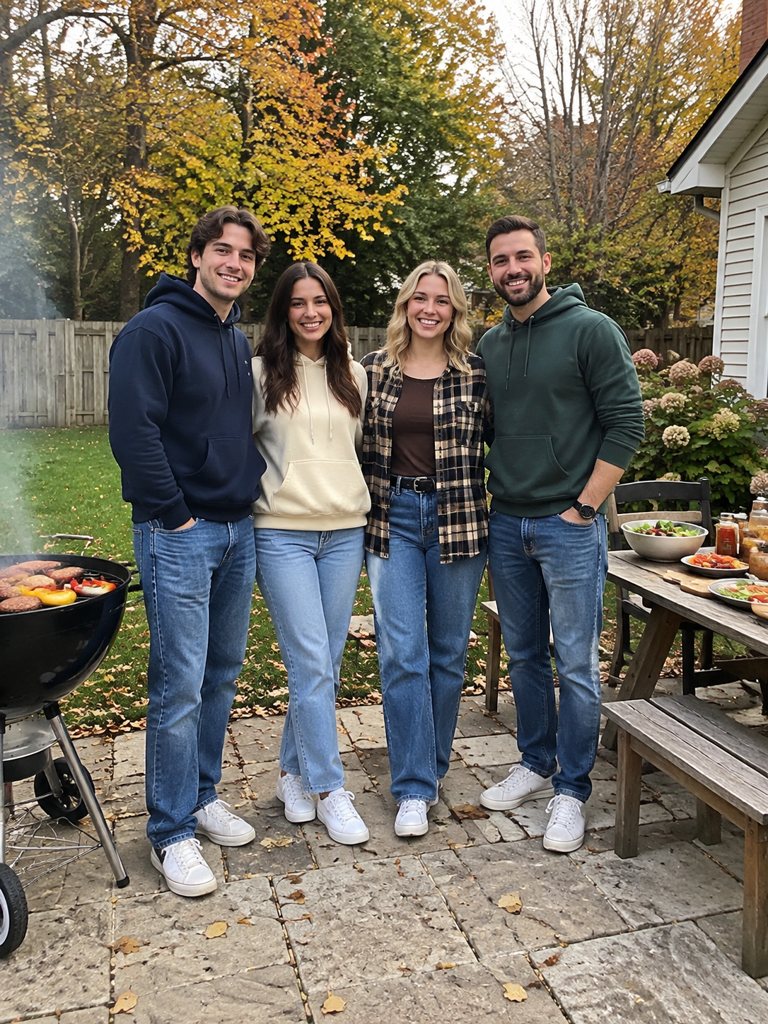
Several people
In a group picture, the AI has no way to know which person leads.
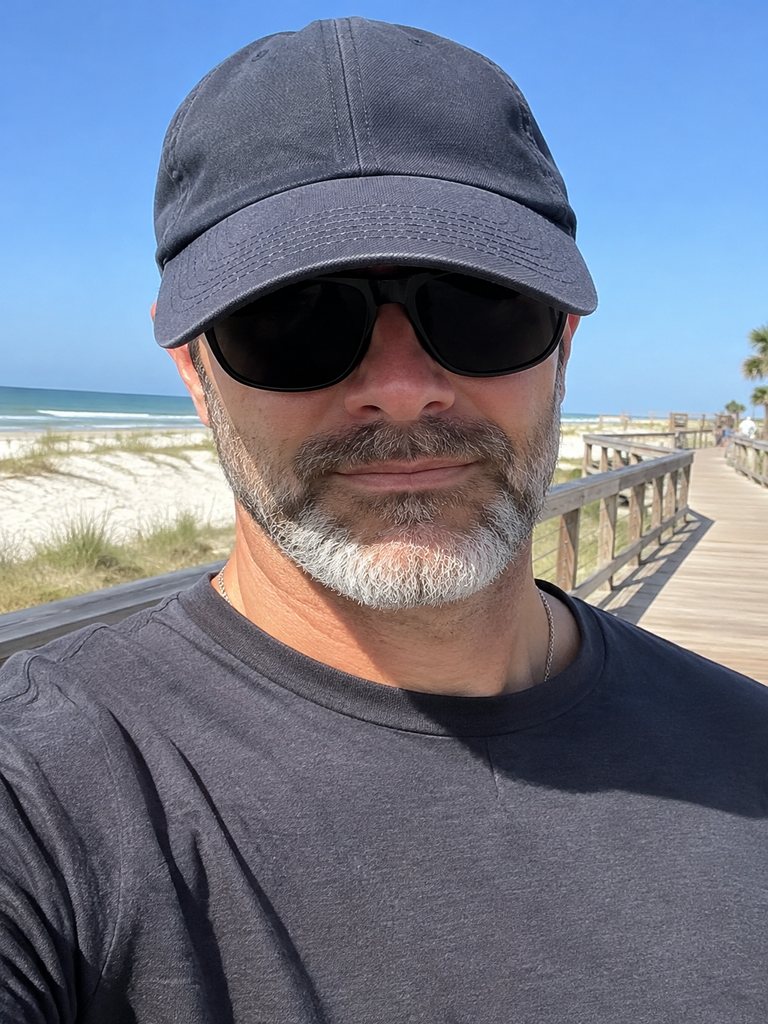
Shades under a brim
Sunglasses hide the eyes and the cap shadows everything else.
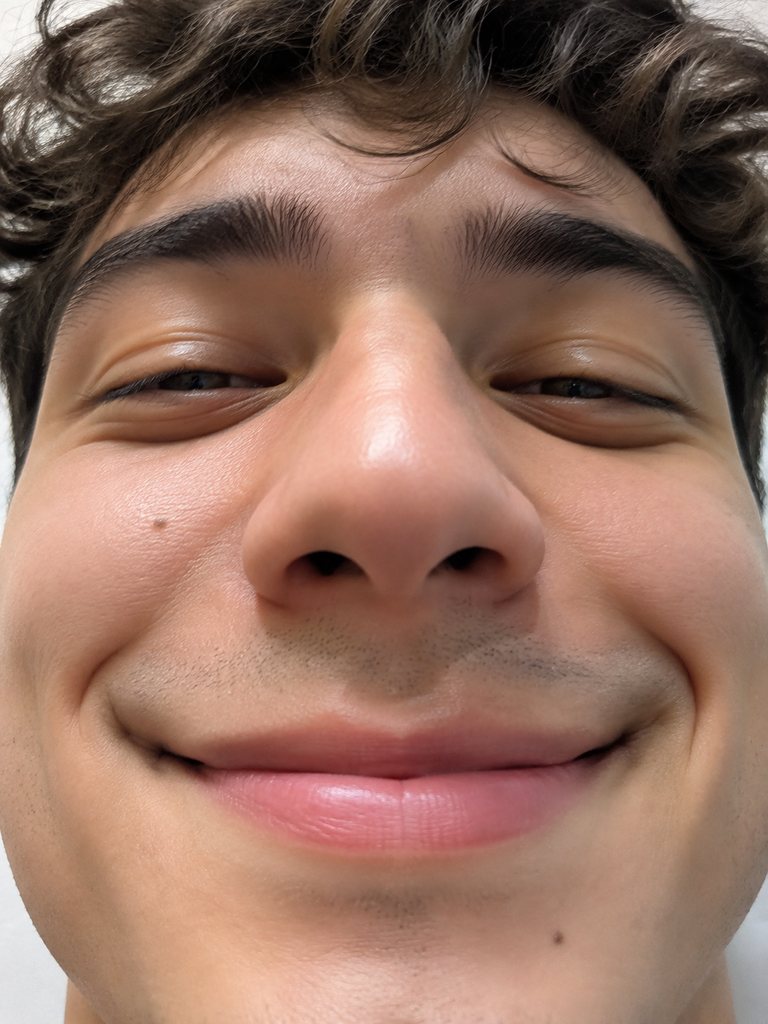
Face, nothing else
Cut off at the chin, the photo leaves your outfit and gestures to guesswork.
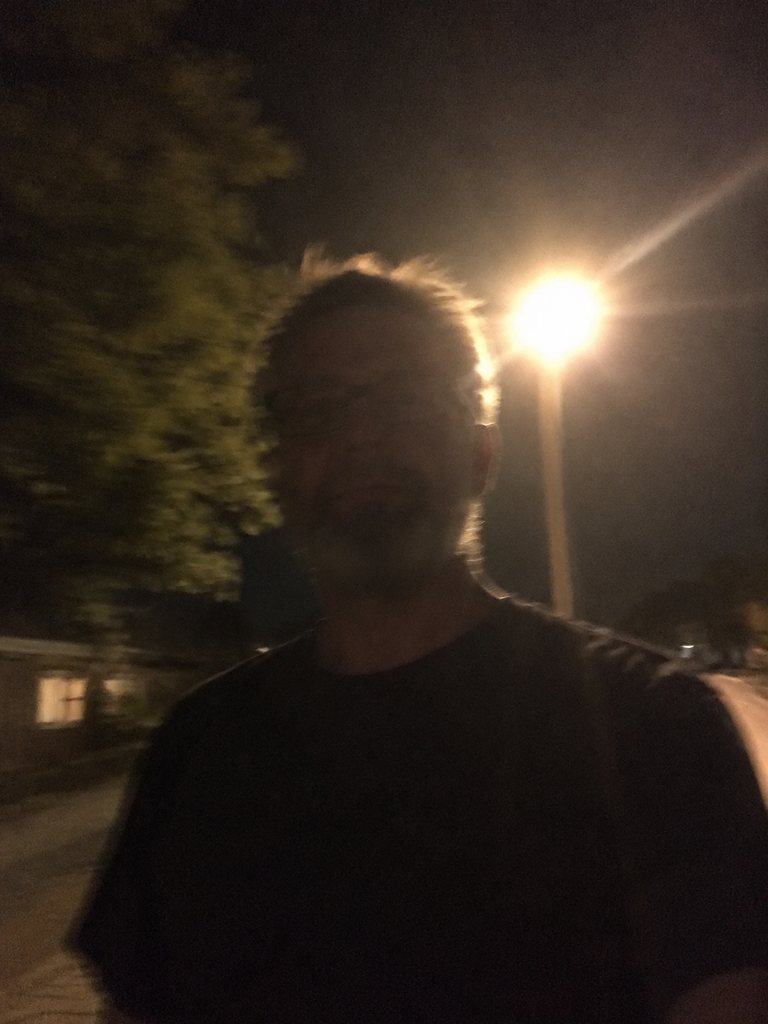
Dark or shaky shots
Shots that are backlit, murky or out of focus strip out the detail a likeness depends on.
The cheapest way to one finished video
Since nothing is free, the useful question is what spends the least. Each plan and one-time pack sits on AI Drake Video pricing.
Start with 5 seconds
The shortest render, from the "where she at" moment to the wave, takes 35 credits and about 3 minutes.
Buy a pack, skip the plan
If you only want one or two videos, a one-time credit pack makes more sense than a subscription.
15 seconds is one Standard video
The famous close-up stretch uses 100 credits, the unit plans are counted in.
Length and HD multiply the cost
Going to 28 seconds, or to HD at 15 seconds, triples the count to 3 Standard videos; HD at 28 seconds needs 6.
Free Burning Bridges AI video on other apps?
Higgsfield, Kling and Dreamina run their own credit plans, and what they give away varies; on those platforms the footage and the wording are yours to supply.
Read next
Tutorial, preset scene and the Higgsfield route.
Burning Bridges AI free: common questions
Is Burning Bridges AI free?
No. Every video on AI Drake Video is paid, the first included, and signing up adds no credit. What costs nothing: the four samples, the second-by-second look at the 5-second cut and the photo tips. If a render errors out or the filter blocks it, the credits go back into your account.
Does Burning Bridges AI free mean a trial run?
No; the first render costs what later ones do. The nearest thing to a trial is our set of four 5-second samples, made from AI-generated characters such as the rodeo star and the tux pup. Turn the sound on and check likeness, hands and timing before you buy.
Is a free Drake AI video possible elsewhere?
Maybe, with general AI tools, but their free allowances differ and change, so check each yourself. Tutorials usually trim the party scene, load it into Higgsfield, Kling or Dreamina along with a picture and some typed wording, and add sound in CapCut or TikTok. Our Drake Higgsfield page covers that route.
Do failed renders cost credits?
No. Errors and filtered uploads, including celebrity or public-figure photos, put the credits straight back. Before retrying, switch to a clearer picture: you alone, well lit, framed at the waist so both hands appear, because your hands get copied along with your face.
Which route gets one video for the least?
At 35 credits and about 3 minutes, the 5-second clip is the cheapest, running from the "where she at" look to the waving cup. The well-known 15-second stretch equals one Standard video (100 credits). Either fits inside a one-time credit pack, so a single try needs no subscription.
What do I get when I pay?
A widescreen 16:9 MP4, Standard 480p or HD 720p, carrying the song heard during that stretch of the music video. You lead the recreated chandelier party while guests, camera and choreography stay unchanged. As a horizontal clip it uploads fine to YouTube, X, Shorts, Reels and TikTok.
Does Drake stand behind this tool?
No. AI Drake Video is a fan-built project that is not connected to Drake or his label in any way. It works on a recreation of the party scene and casts whoever your photo shows as the lead. Upload yourself or a willing friend; celebrity pictures are turned away.
Check it all first, then pay for one video
You'll find each Burning Bridges AI free check on this page. Once your picture passes, upload it; you are never charged for a render that errors or is filtered.